Category: Windows
-
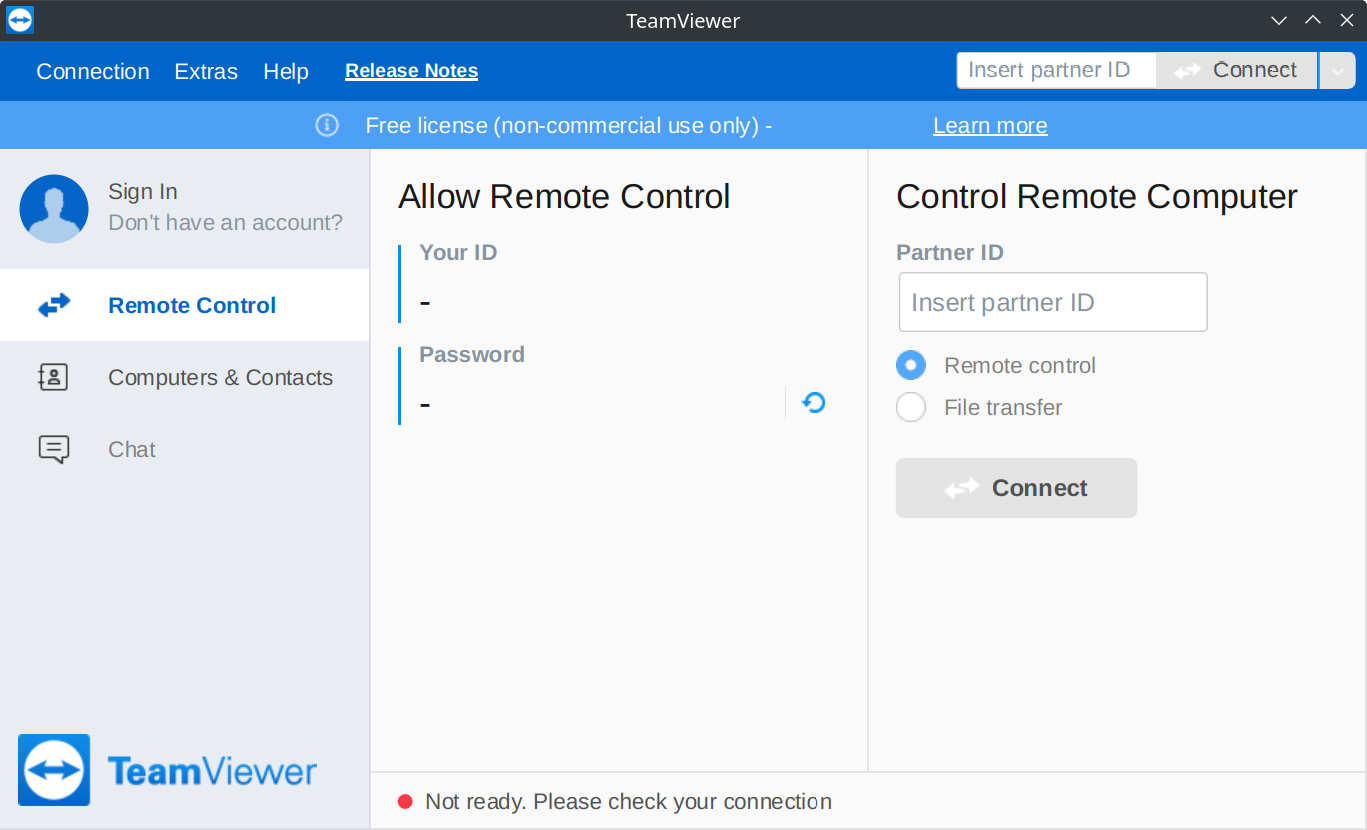
TeamViewer (sometimes) doesn’t work with DNSSEC enabled
Update (2022-12-06): It looks like TeamViewer fixed their DNS config (before and after). Update (2022-11-12): I tested again after Frankie in the comments noted that it works on his machine, and indeed it does for me, too, even with DNSSEC turned back on. My only explanation is that it’s an intermittent issue. I couldn’t figure…
-
Beware of the MiniNT registry key
As of Windows 10 Version 1511, ReFS isn’t available by default as an option when formatting drives that aren’t part of a Storage Space. It’s easy, however, to enable this functionality by adding a DWORD named AllowRefsFormatOverNonmirrorVolume under the Registry key HKEY_LOCAL_MACHINE\SYSTEM\CurrentControlSet\Control\MiniNT (an example guide can be found here). Unfortunately, the presence of MiniNT Registry…
-
I bet somebody got a really nice bonus for that feature: The 'Get Windows 10' notification area icon
As the great Raymond Chen once wrote: I often find myself saying, “I bet somebody got a really nice bonus for that feature.” “That feature” is something aggressively user-hostile, like forcing a shortcut into the Quick Launch bar or the Favorites menu, like automatically turning on a taskbar toolbar, like adding an icon to the…
-
Windows 10 is slightly less pushy about requiring Microsoft accounts
In Windows 8, users were strongly encouraged to use a Microsoft account to sign in to their computers. For those of us who preferred local accounts, the option to ‘sign in without a Microsoft account’ was presented in faint text at the bottom of the screen. In Windows 8.1, the option to use a local…
-
Fixing error 0xC190010C when attempting to update the Windows 10 Technical Preview
My Hyper-V virtual machine running the Windows 10 Technical Preview kept displaying the error code 0xC190010C when I attempted to update to the latest build (from 9841 to 9860). I was able to resolve this issue by clearing the Windows Update cache as described here. Briefly: net stop wuauserv rmdir /s %WinDir%\SoftwareDistribution net start wuauserv
-
Enabling the compatibility property sheet for (almost) all programs in Windows 8/8.1
Windows 8 and 8.1 hide the compatibility property sheet for certain programs (namely programs included with Windows, like Notepad, and those on a whitelist of programs known to run correctly on Windows 8/8.1 – defined in %WinDir%apppatchpcamain.sdb). In some cases, one can still run the ‘troubleshoot compatibility’ wizard by right-clicking on the file, which just…
-
Windows 8.1 Impressions
Windows 8.1 is done, though Microsoft is apparently worried enough about driver and application support that not even loyal MSDN and TechNet subscribers will get it until October 17 this year. To no-one’s surprise, the RTM ISOs were promptly leaked, which leaves us in the odd situation where the only way to test your programs…
-
Warning: Simple Storage Spaces in Windows 8 can’t be dismantled
A new feature in Windows 8 is ‘storage spaces’, a kind of software RAID, similar to the drive extender functionality found in the defunct Windows Home Server. Unlike Windows Home Server, however, Windows 8 provides no means of removing hard drives from simple (no resiliency) storage spaces, even when there’s adequate free space. Deleting the…
-
Theme Colours in Windows ‘Blue’
As I noted in my earlier post, the method for selecting theme (‘accent’) colours in Windows ‘Blue’ build 9364 has changed from Windows 8 RTM. I’m not going to bother looking too closely at the updates to the functions in UxTheme.dll this early in the development process, but I did notice two new registry values…
-
Native Tooltips in WPF (Part 2)
View source on GitHub. In part 1 of this article I looked at the differences between WPF tooltips and ‘native’ (Win32) tooltips. In this part I present a sample WPF application that displays native tooltips. I’d planned to walk through some of the code here, but that turned out to be a bit tedious, so…